Connect Pinterest
Sign in to Pinterest and give access. The account needs at least one board.
Before you start
Pins go onto a board, so the account needs at least one board. Make one in Pinterest first if it has none.
Steps
- Click Connect next to Pinterest.
- Pinterest opens. Sign in if it asks.
- Give access on Pinterest’s permission page.
- You come back to the page and the row turns green.
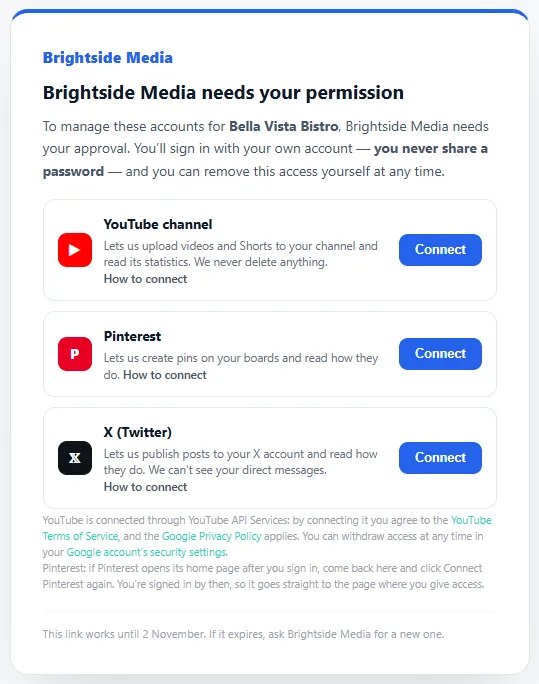
If Pinterest opens its home page after you sign in (this happens after “Continue with Google”), come back to the link and click Connect again. You’re signed in by then, so it goes straight to the page where you give access.
We can create pins on your boards and read how they do.
Removing access
In Pinterest: Settings → Security and logins → Apps, then revoke the app.