Connect X (Twitter)
Sign in to X and authorize the app.
Steps
- Click Connect next to X (Twitter).
- X opens. Sign in with the business’s X account if it asks.
- Click Authorize app.
- You come back to the page and the row turns green.
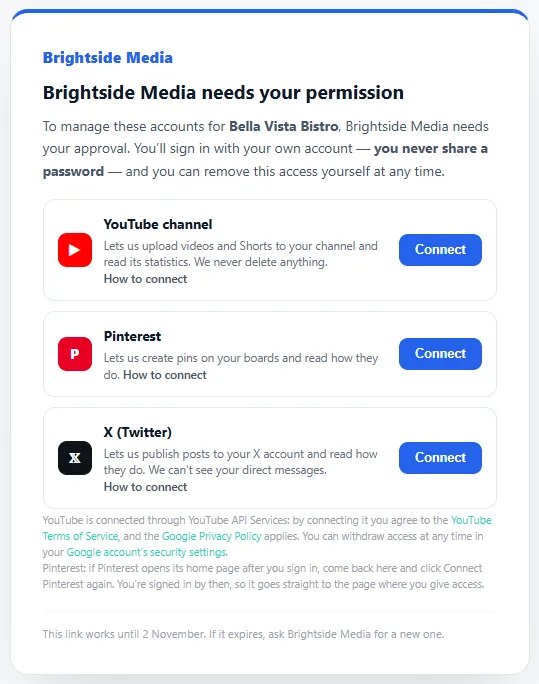
We can publish posts to your X account and read how they do. We can’t see your direct messages.
What posting to X costs
X charges for every post, so each post to X uses credits from the plan: 2 credits a post, or 15 credits when it has a link (the post’s link, or a web address in the text), for each X account. Photos and videos don’t make it a post with a link.
Posting to the other networks uses no credits. Before a post to X is scheduled or queued, the window says how many credits it will use. See AI credits.
If something goes wrong
X isn’t available just now, so the account wasn’t connected.
This is on your agency’s side, not yours. Let them know, and try again later.
The wrong X account was connected.
X uses whichever account is signed in. Sign out of X in your browser, sign in with the business account, then connect again.
Removing access
In X: Settings and privacy → Security and account access → Apps and sessions → Connected apps, then revoke the app.